Openers · Newmarket
Smart Garage Controller Setup
A contractor is coming to work in the garage on Thursday while you are away.
In plain words
For a household here, the most valuable feature is often the simplest: a message that says the door has been open for ten minutes on a January night. A garage attached to the house shares a wall with living space, and sometimes a water line; a door left up drains heat and invites a frozen pipe. Setup in this climate also means small choices that last: the sensor is mounted the way its own instructions specify, its battery is a lithium cell that tolerates an unheated space, and an auto-close schedule is paired with a left-open alert, since a schedule only attempts the close and does not confirm it finished.
How the visit goesIt is February. You come down in the morning and the garage door has stood open all night; the car is frosted inside, the furnace has run without a pause, and the pipe in the shared wall is your first worry. Nobody knew, because nothing told anyone.
Smart Garage Controller Setup
How the visit goes
Reading the label on the opener
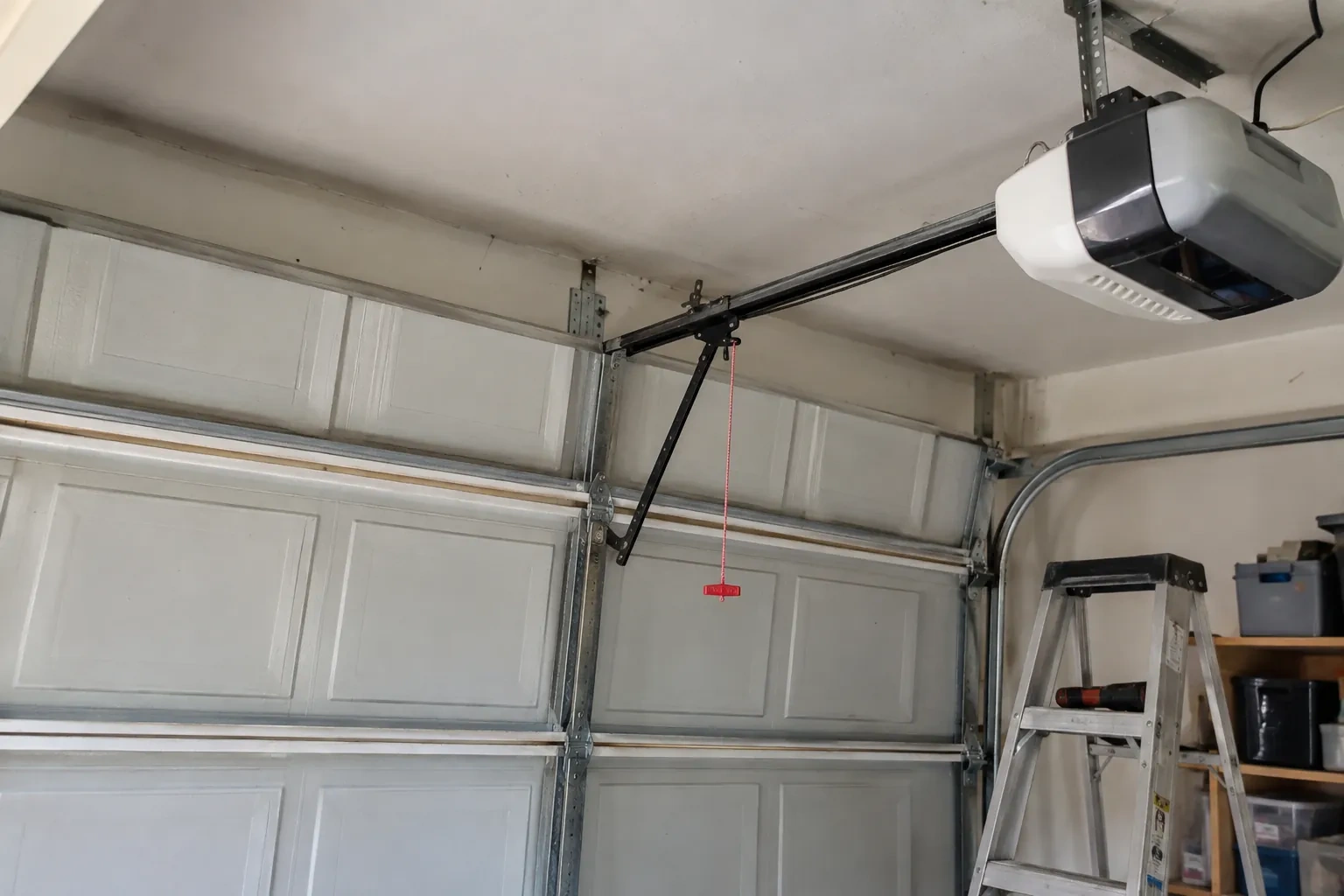
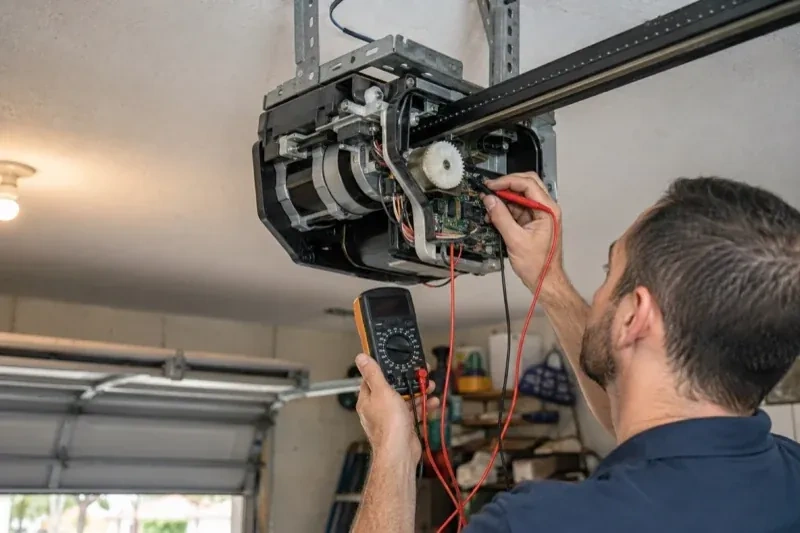
The first thing checked is the small label on the head unit, because everything else depends on it. Brand, model number and date of manufacture tell the technician which family the opener belongs to and which controllers list it as supported. The learn button, usually under the light cover, is checked for colour, since on many makes it marks the radio-coding generation and decides whether a hub can be wired to the wall-control terminals or must pair by radio. The wall console is looked at too: a console with a digital display often means an encrypted connection that needs a different hookup. A photo of the label sent ahead lets this step happen before the van leaves.
Alerts, schedules and shared users
With the door reporting truthfully, the useful settings are made. A left-open alert is set to a sensible delay, often ten or fifteen minutes, so it is helpful rather than nagging. If wanted, a nightly schedule is created that closes the door at a chosen hour, with the app's confirmation that the pre-close warning will sound. Household members are invited as users under the owner's account, each on their own login, and any temporary access for a contractor is created with an end date. Notifications are sent to the right devices and confirmed to arrive. The owner is shown how to add, change and remove each of these later.
When the internet is down
A dropped connection changes less than you might fear. Your wall console, remotes and keypad talk directly to the opener and keep working through any outage. What pauses is the phone side: status updates, alerts and commands from outside the house wait until the hub reconnects, which it does on its own once the router is back. If you change routers or rename your network, the hub needs to be walked through the join process again, using the same steps you watched during setup. The door itself, and the safety features on it, never depend on the cloud.
Smart Garage Controller Setup
In the van
Wi-Fi access point or extender
Retrofit smart hub
Door-position tilt sensor
Lithium coin cell or cylindrical cells
Receptacle splitter with approval mark

Smart Garage Controller Setup
What affects the quote
Wireless coverage at the garage
A strong signal at the ceiling is a straightforward join. A weak one, common in detached garages, calls for an access point or extender, which is quoted separately.
The opener's generation
Some openers accept a two-wire connection at the wall-control terminals; others use encrypted consoles and need radio pairing or a small adapter between hub and opener. The learn button and label decide which.
Number of doors
A second door means a second sensor, a second round of pairing and testing and sometimes a second hub, and each door is quoted as its own line.
What to have ready
- What colour is the learn button under the opener's light cover?
- Is there a spare socket in the ceiling receptacle the opener uses?
- Is there a wireless or network symbol printed on the head unit?
Smart Garage Controller Setup: questions
QuestionsDoes the controller need the photo-eye sensors to work?
For remote closing, yes. Controllers built to the operator standard check for a working sensor circuit before allowing a close from out of sight, and the door must stop and reverse if the beam is broken. Opening remotely and checking status generally work regardless. If your photo eyes are missing, dark or misaligned, they are put right as part of getting the door ready for the feature you actually want.
Can the door close itself at night?
Yes, with a schedule. You choose a time, and each night the controller sounds its warning, flashes its light and attempts to close the door if it is open; the close can fail if the beam is blocked, a sensor is faulty, or the controller is offline. Because it is unattended, the same safety rules apply: the door refuses or reverses if the beam is broken. Many households pair the schedule with a left-open alert so they hear about it either way.
Can I give a contractor or cleaner access for a day?
Most apps allow guest or scheduled access: a user invited for a set window, or a one-time code, that expires on its own. That is a better arrangement than lending a remote or sharing the family keypad code, because there is nothing to chase back afterwards and the history shows exactly when the door was used. The technician shows you how to create and revoke such access during the visit.
Related services

- Chain-Drive Opener RepairPress the button and the opener hums for a second, then quits.
- Belt-Drive Opener RepairPress the remote and the motor runs its full cycle, lights on, the usual whir, but the door does not move a centimetre.
- Garage Door Opener ReplacementPress the button and the motor hums, but the door stays exactly where it is.